
USE CASEProject room · studio
A studio you work inside.
A studio in MEs is just a world you keep open while you work — your references on the walls, your tools within reach, and the door unlocked for whoever you want beside you.
Keep it private and open it later, or leave it open from day one. It's yours either way.
- 1
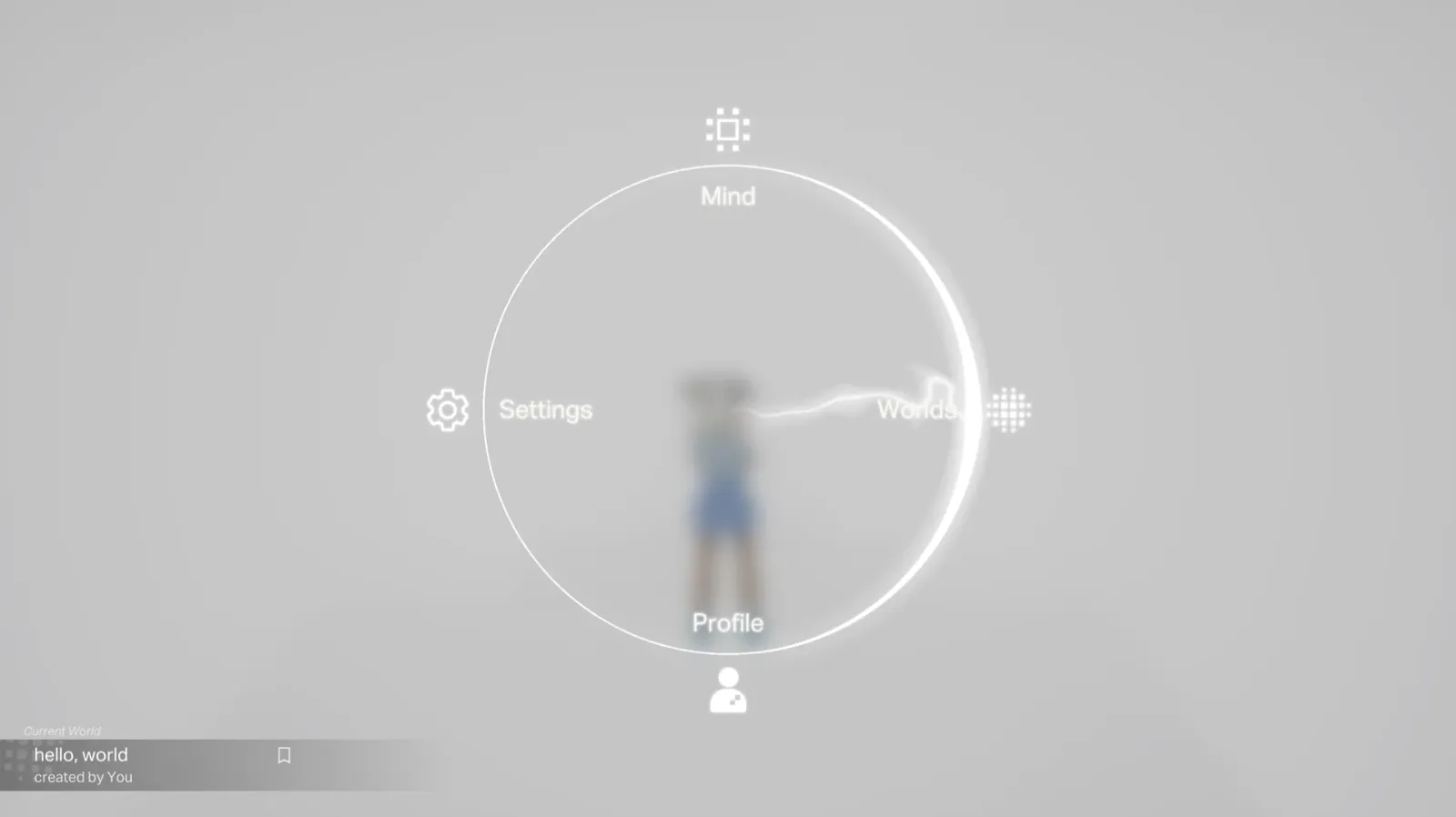
Open a new world.
Press Q for the menu and start a fresh, empty ground. The studio is whatever you make it — there's nothing to clear out first.
- 2
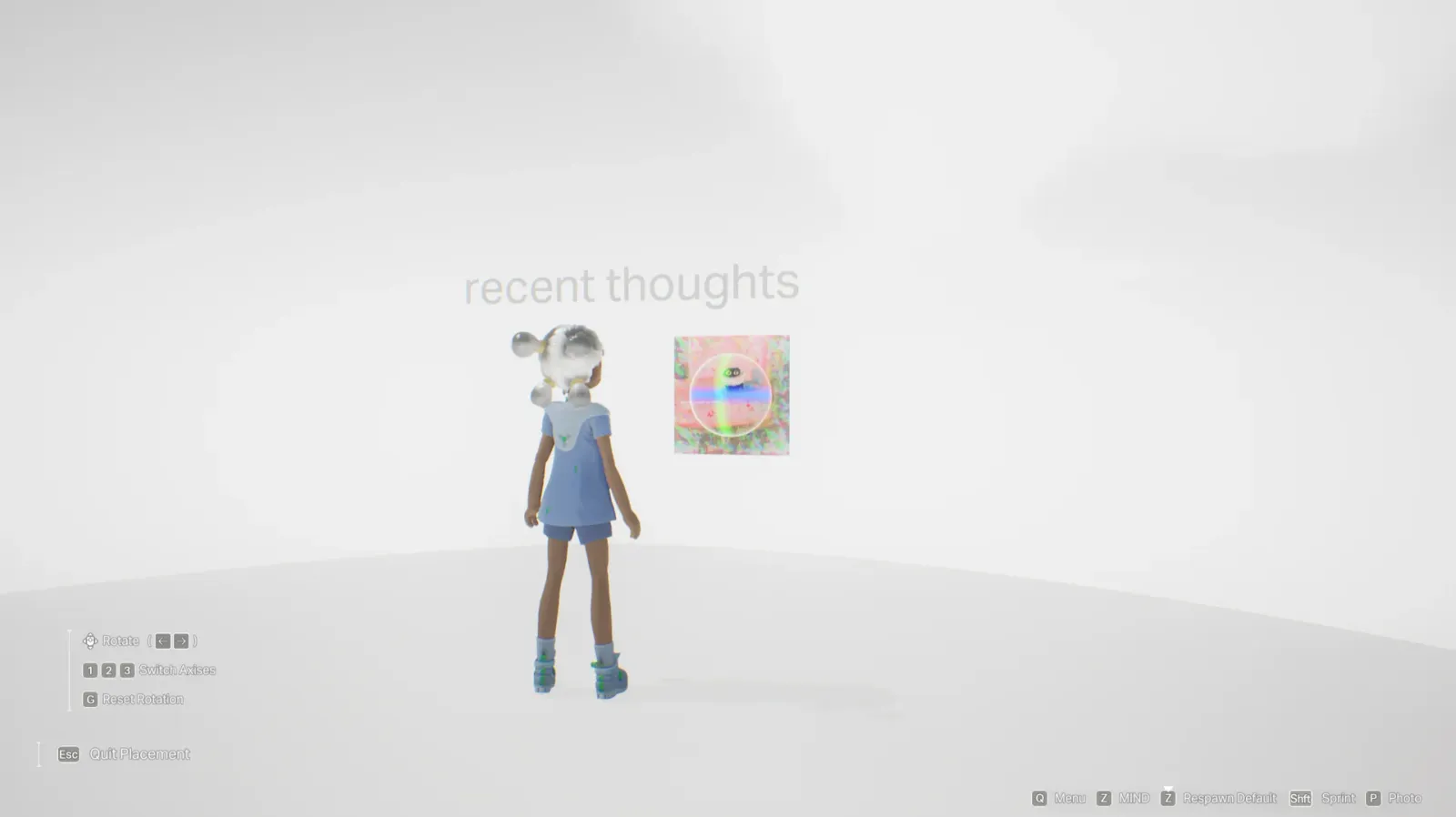
Drop your materials in.
Drag references, models, and works-in-progress onto the floor. Each lands as a patch you can move, scale, and pin to a wall.
- 3
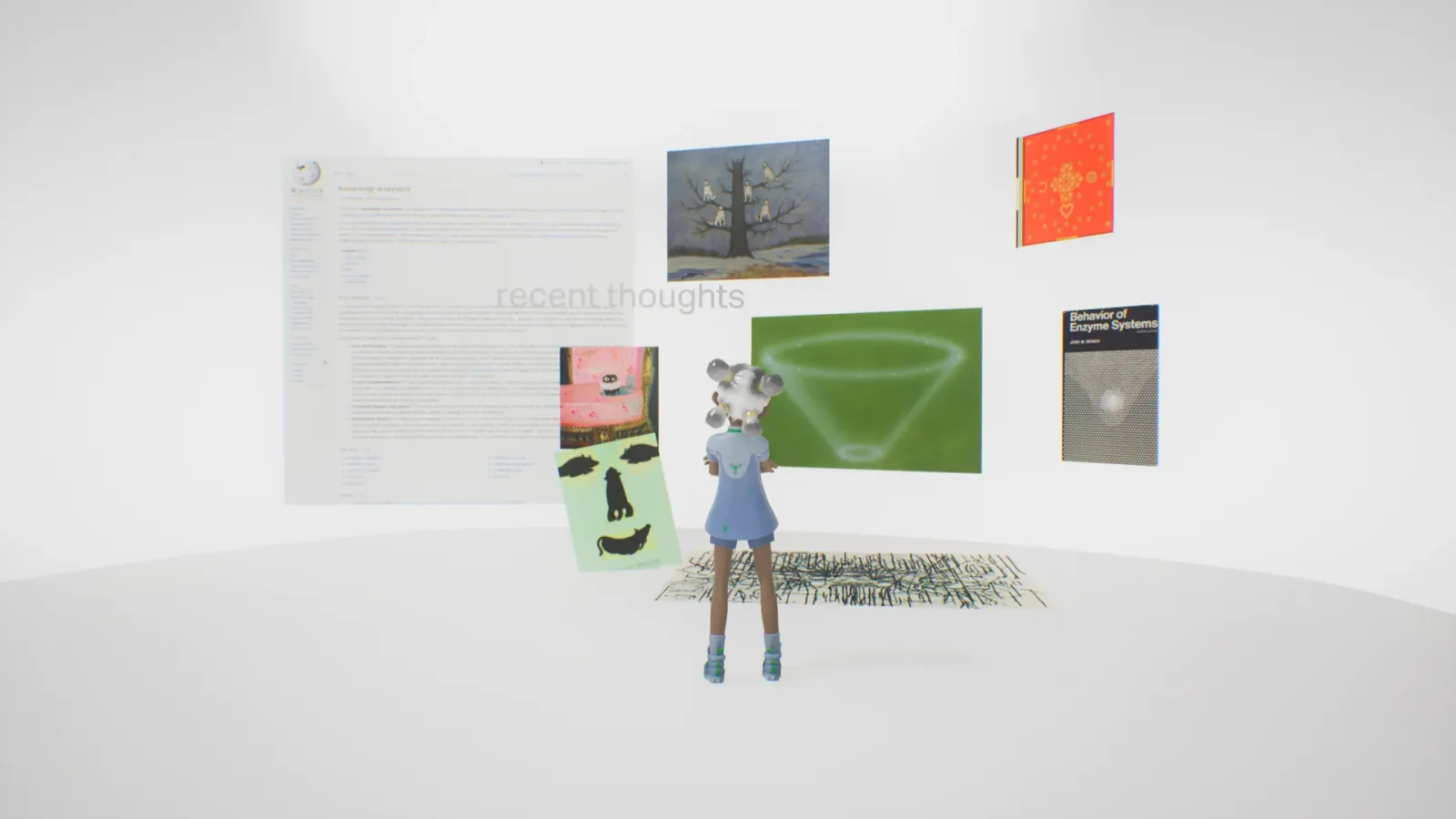
Arrange it like a real desk.
Group what you're working on, push the rest to the edges. In MEs the layout is the thinking — where things sit is part of the work.
- 4
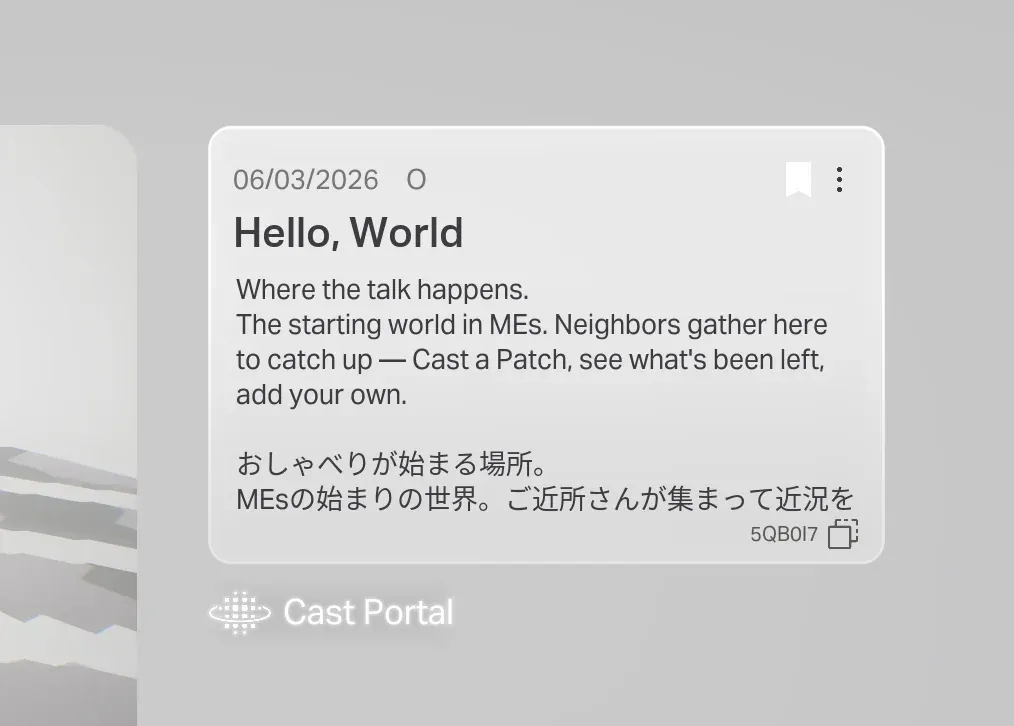
Share the code to let people in.
Send your world code to a collaborator. They arrive with their own body and can build beside you, in real time.
Done