
USE CASEPopup store
Open a shop for a weekend.
A popup in MEs is a world you stock like a shop — goods on the floor, your store one click away, and a door anyone can walk through.
In-world checkout is still rolling out — for now, items link out to the store you already run. We'd rather say so.
- 1
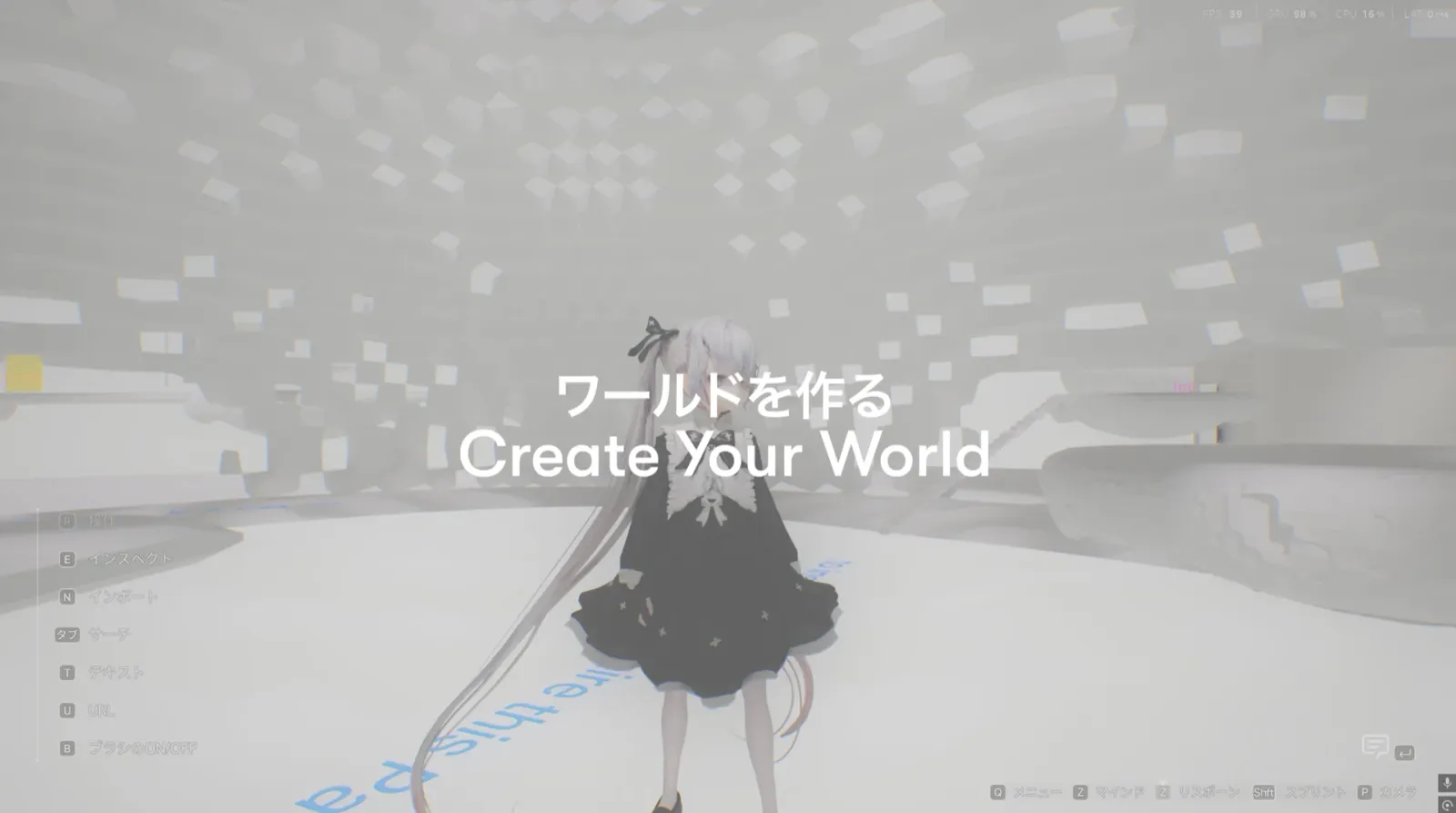
Build the room.
Open a world and lay out the space — shelves, a counter, a path that leads customers in. The shop reads however you arrange it.
- 2
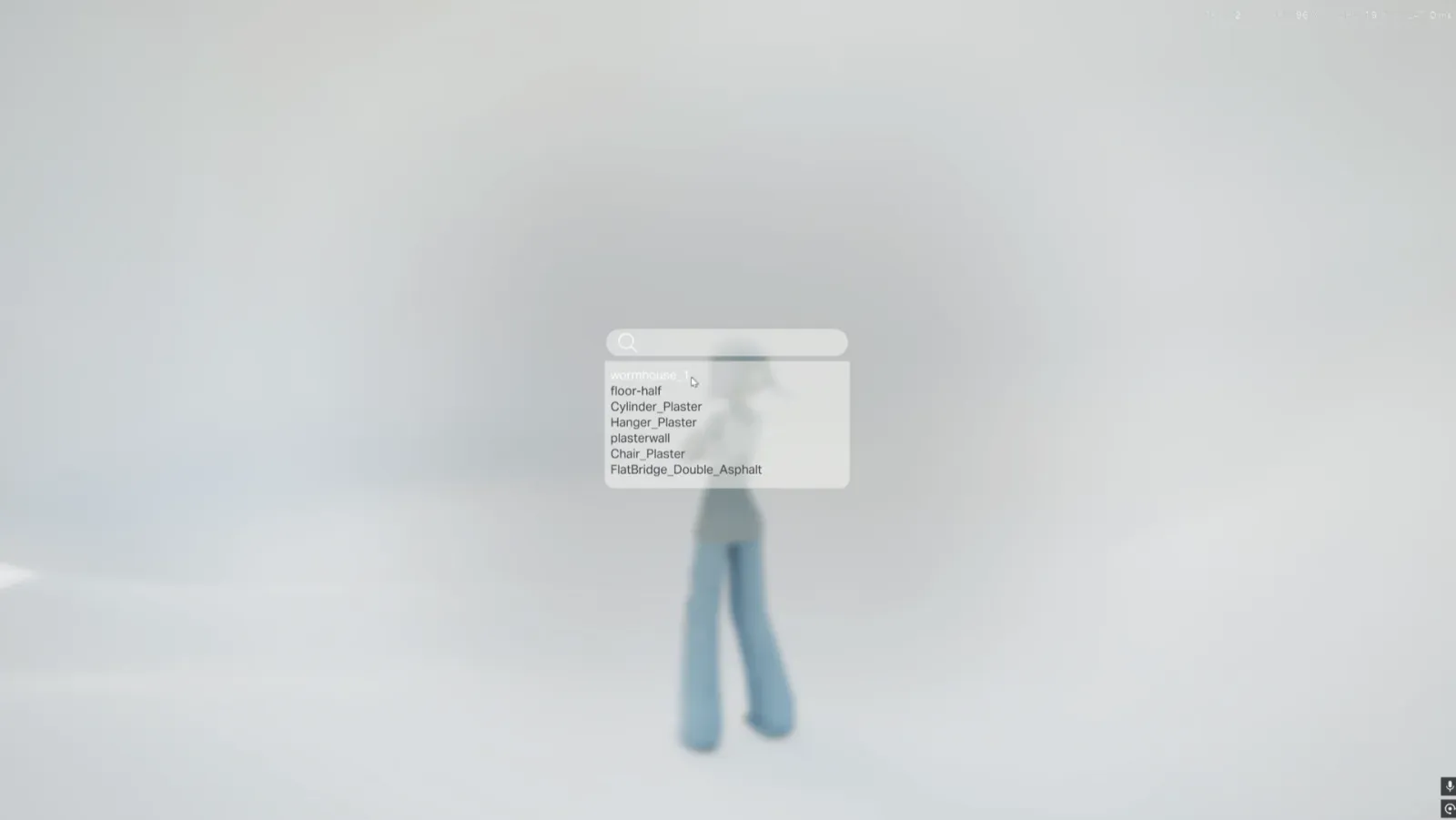
Place your goods.
Drop each item in as a patch and set it down where shoppers will find it. What you sell is what you'd bring — nobody else's catalog.
- 3
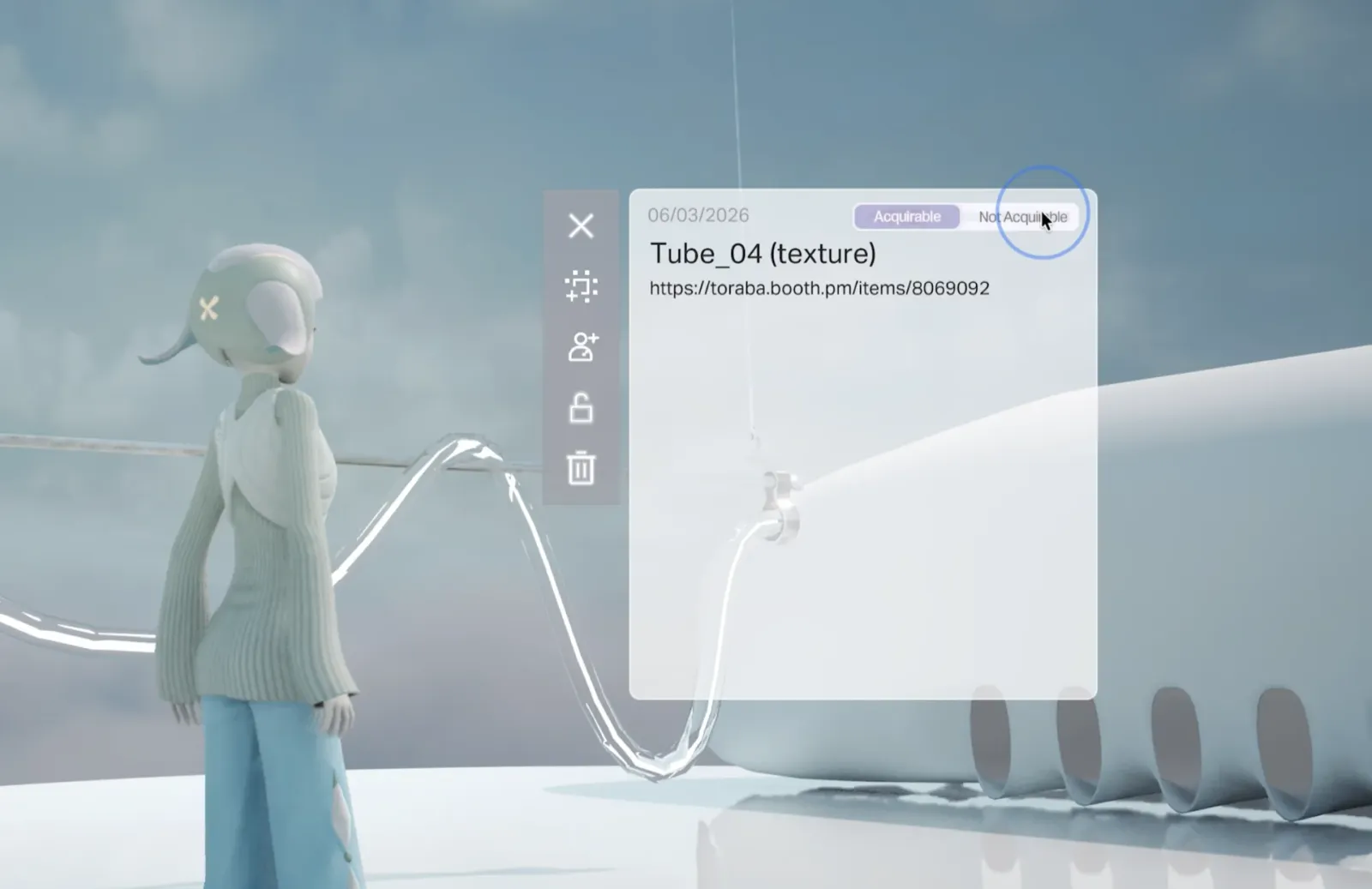
Lock and encrypt your assets.
What you stock stays yours. Lock your assets and they're end-to-end encrypted — people can browse the shop without being able to carry the stock out.
- 4
Link your online store.
Set a link on an item that points at your online store. Visitors click through and buy in the shop you already run — the world is the storefront, not the checkout.
- 5
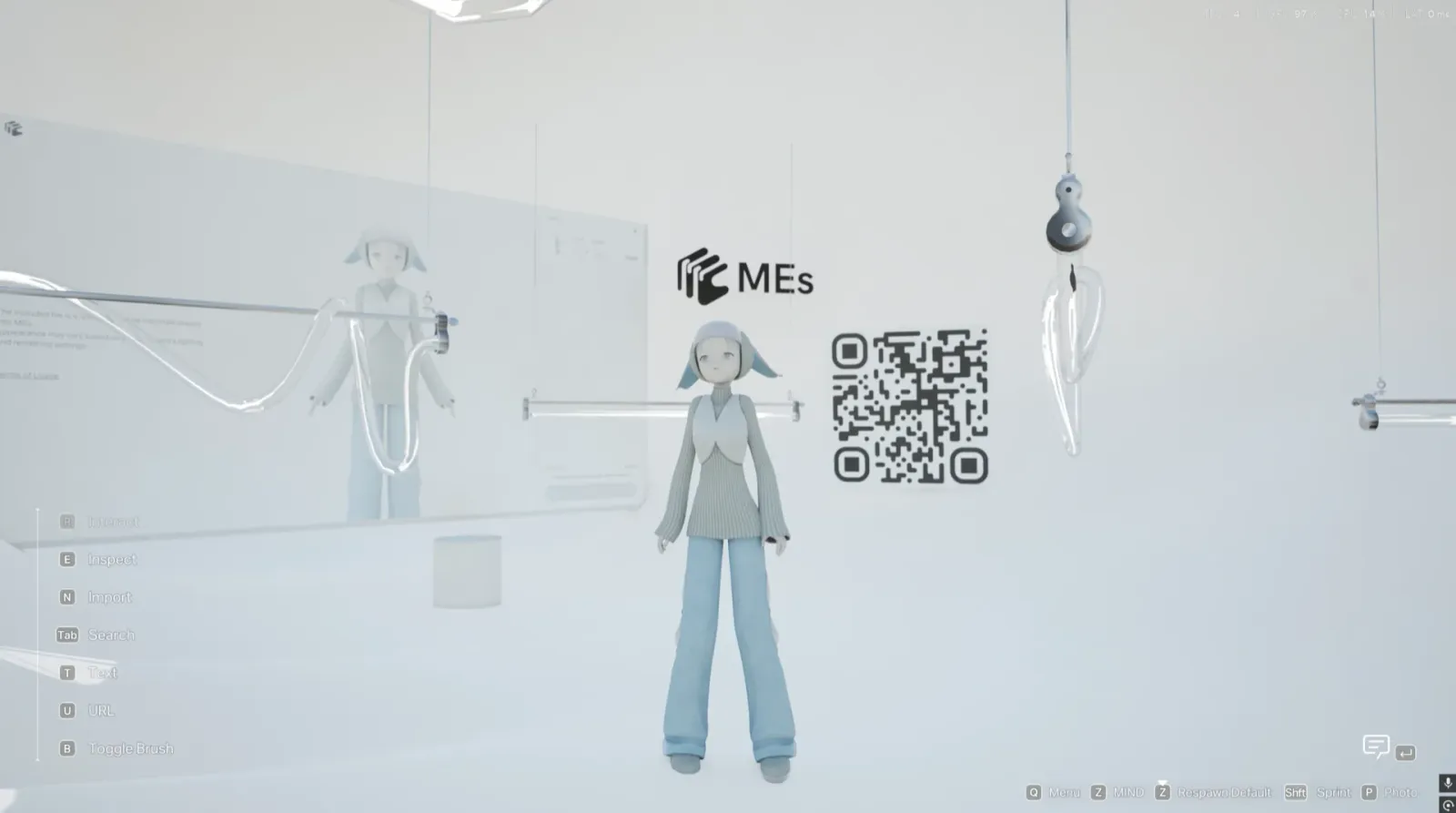
Publish and share the clips.
Publish the world so anyone can walk in, then shoot the aisles in MEs Camera Mode and post the clips where your customers already are.