
ASruntime avatar import
Arrive as the body you already have.
VRM is the standard file format for a 3D avatar. In MEs you import a VRM and use it right away as your own avatar — no setup pass, no conversion step.
MEs supports VRM 0.x and VRM 1.0. Import the .vrm file in its original version; no conversion is required.
- 1
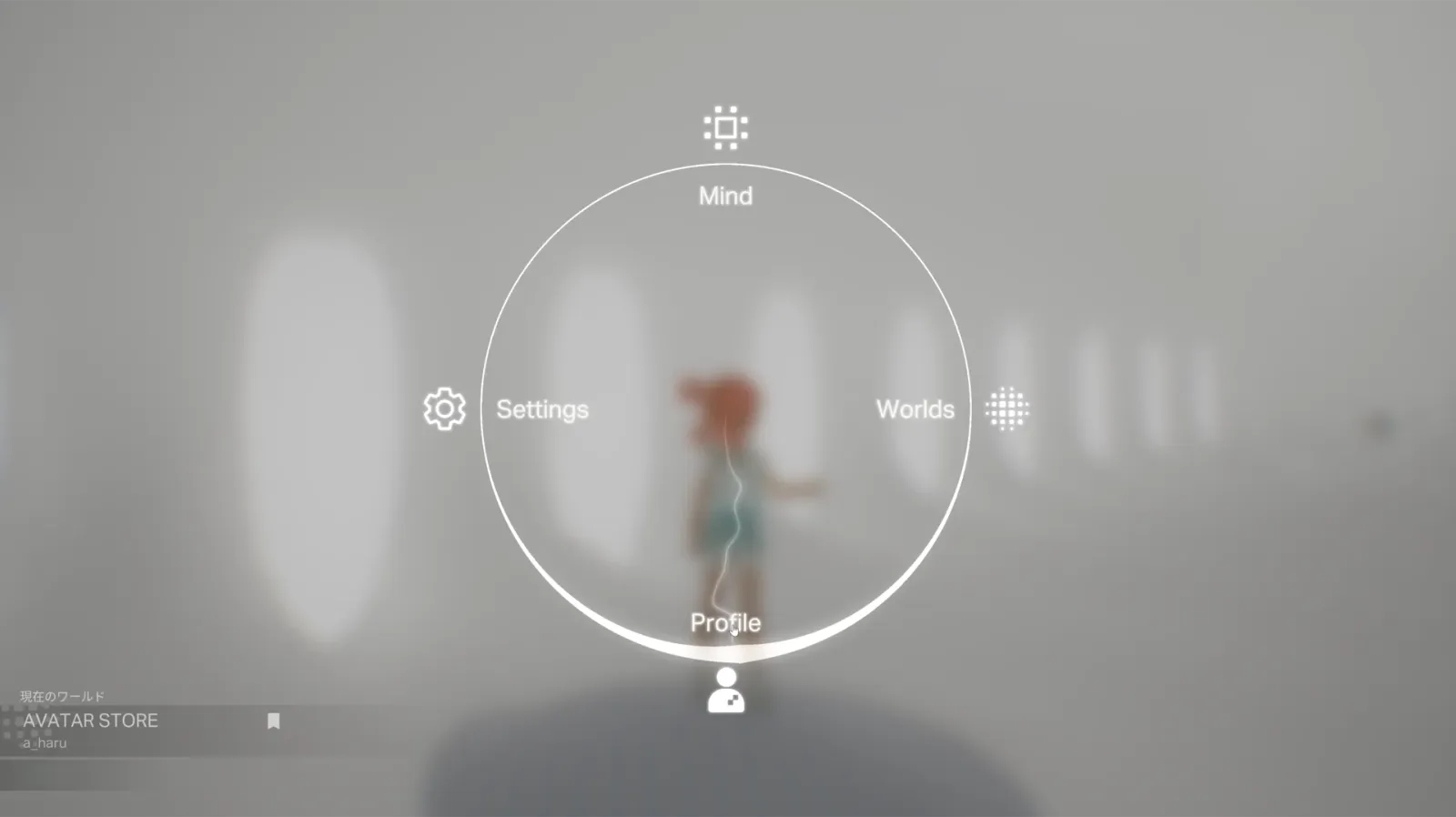
Press Q to open the menu, then click Profile.
The menu is your home base for everything you carry — your body included. Profile is where your avatar lives.
- 2
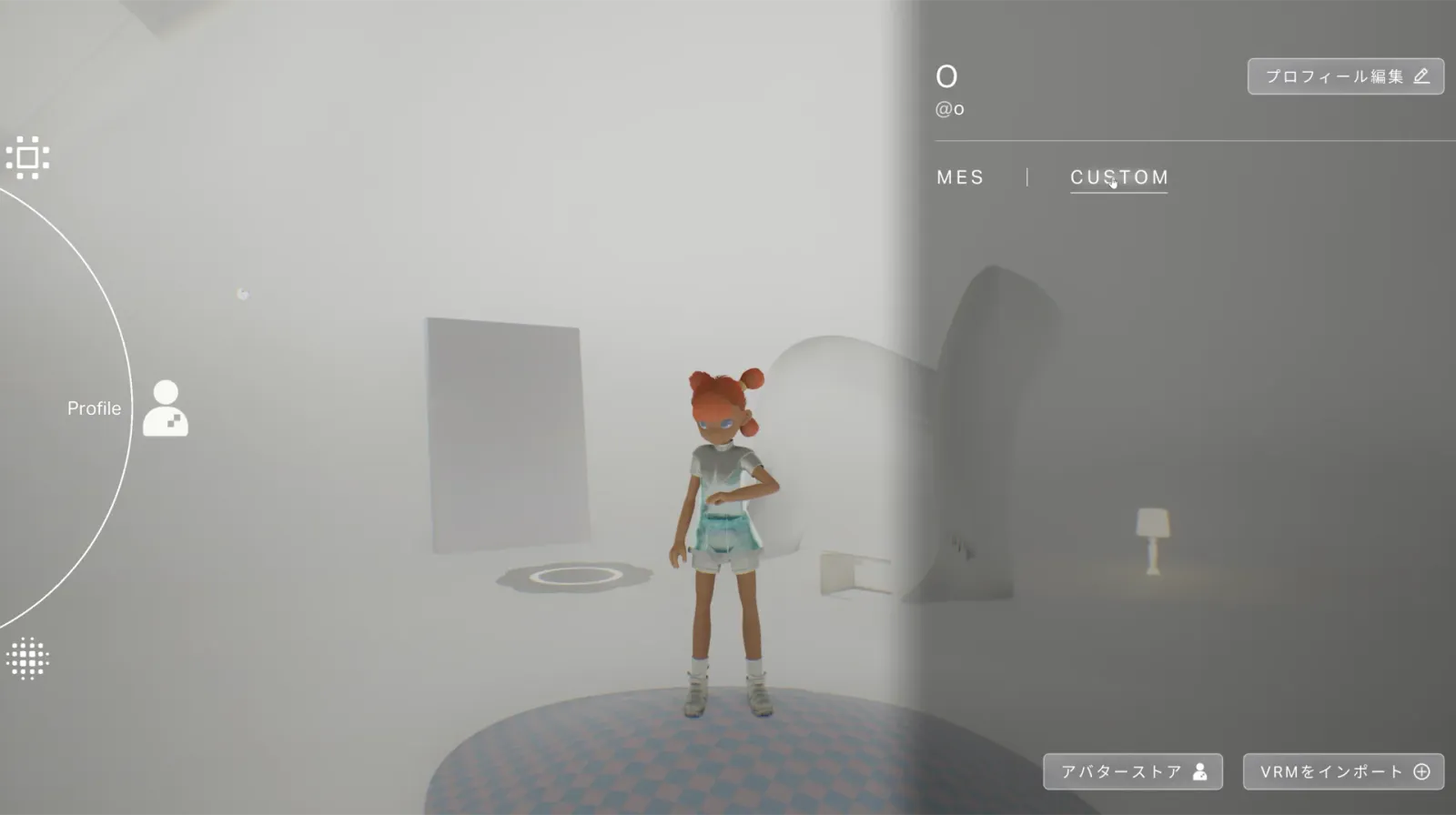
Switch to the CUSTOM tab and click OPEN.
The CUSTOM tab is where you bring your own VRM in, rather than picking from a default set.
- 3
Choose your .vrm file and confirm.
Pick the avatar file from your device. MEs reads it directly — there's no upload-and-wait.