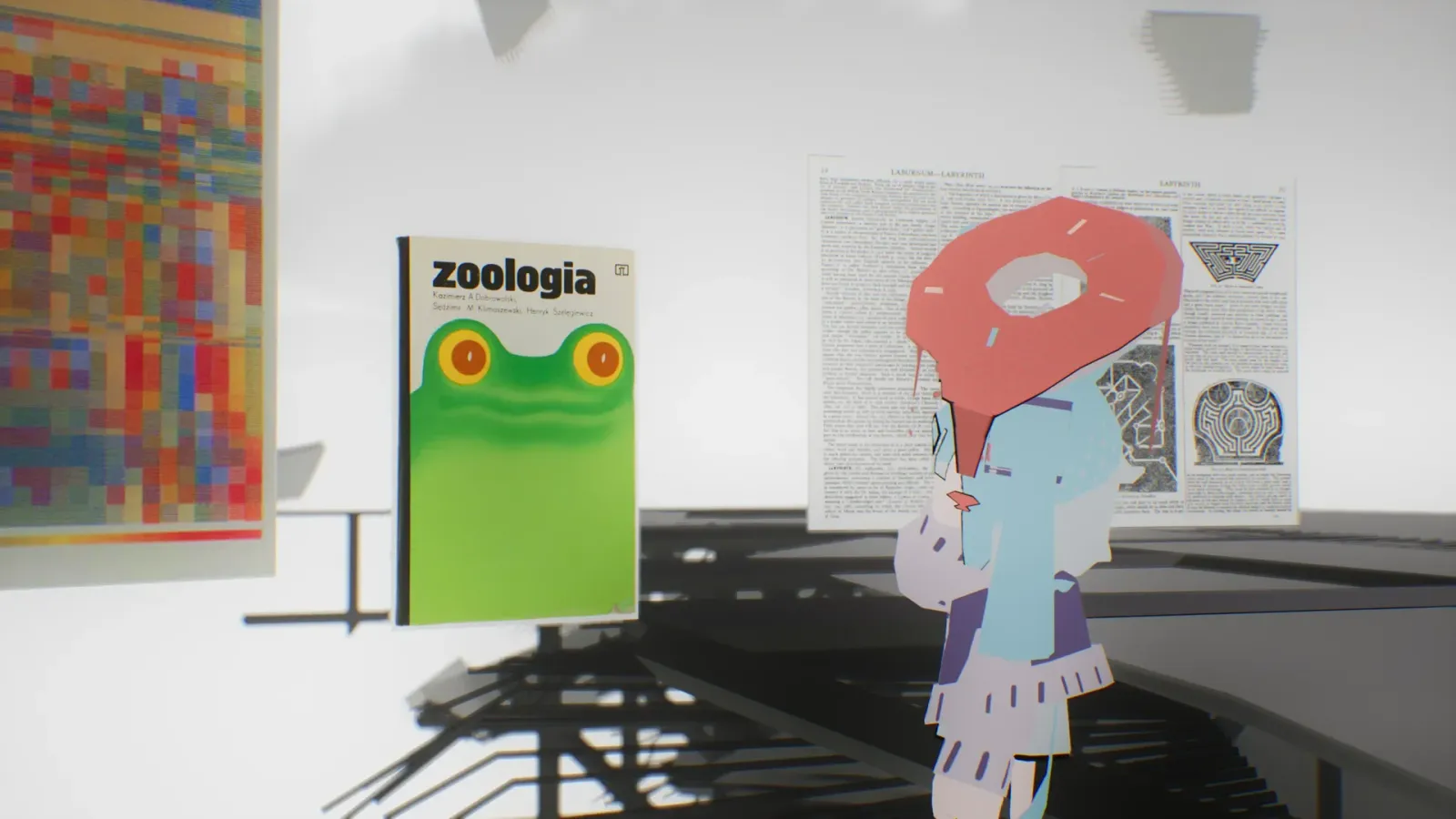
INdrag-and-drop · real time
Whatever you're holding, the world has room for it.
Drag a file straight from your desktop into the window. It imports, then lands in the world as a patch — and the place is already different.
- Patch
- Any file, shown in MEs's 3D space. Supported: images (jpg / jpeg / png / webp / gif), 3D (gltf / fbx / glb / vrm), audio (mp3 / wav / ogg / flac), and web (a URL).
- MIND
- Your private 3D file system. A file comes into MIND first; from there you place it as a patch in a WORLD.
- 1
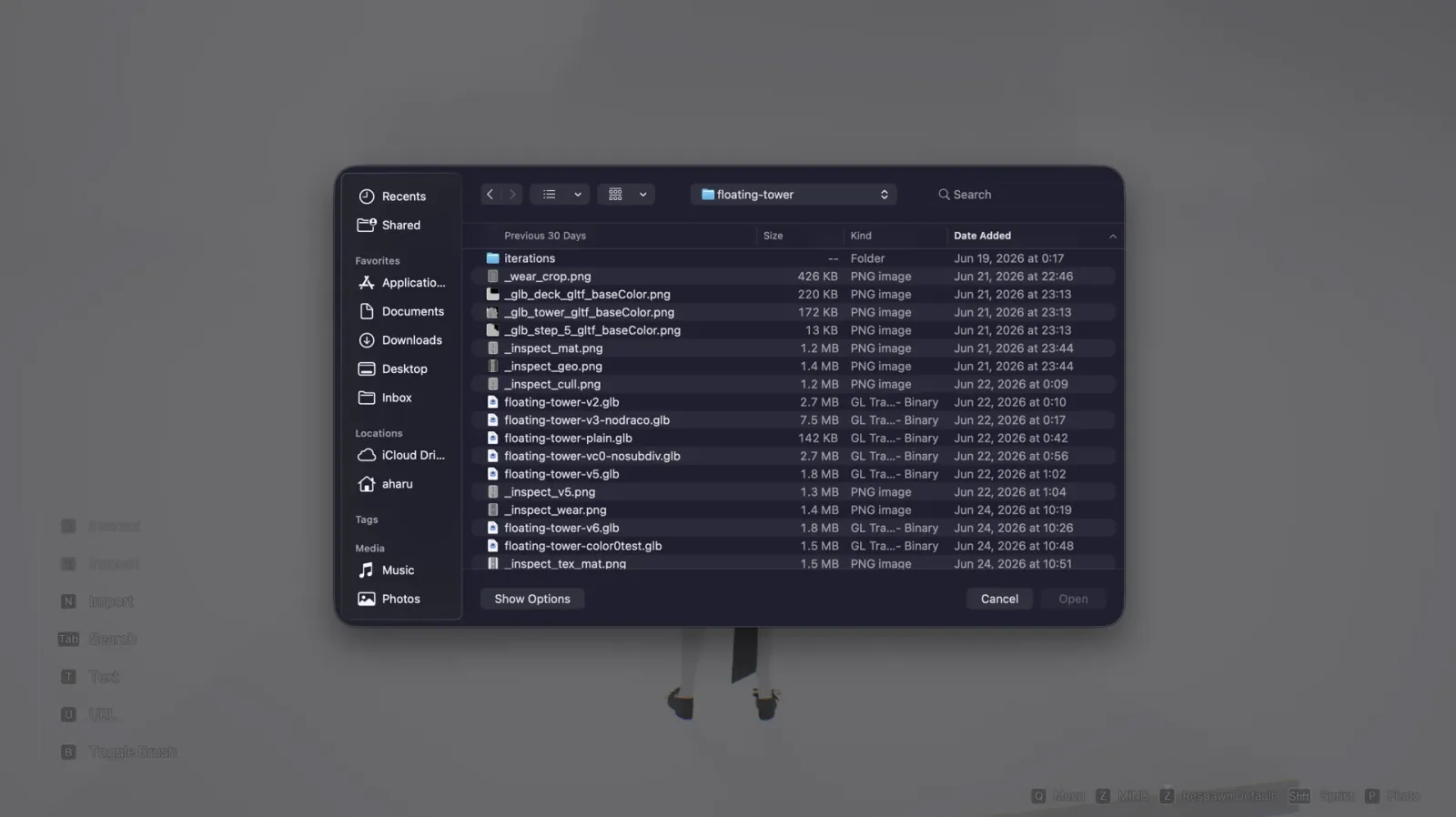
Drag a file from your desktop into the window.
Pick anything that fits a supported kind — an image, a model, a sound, a link. Drop it onto the MEs window.
- 2
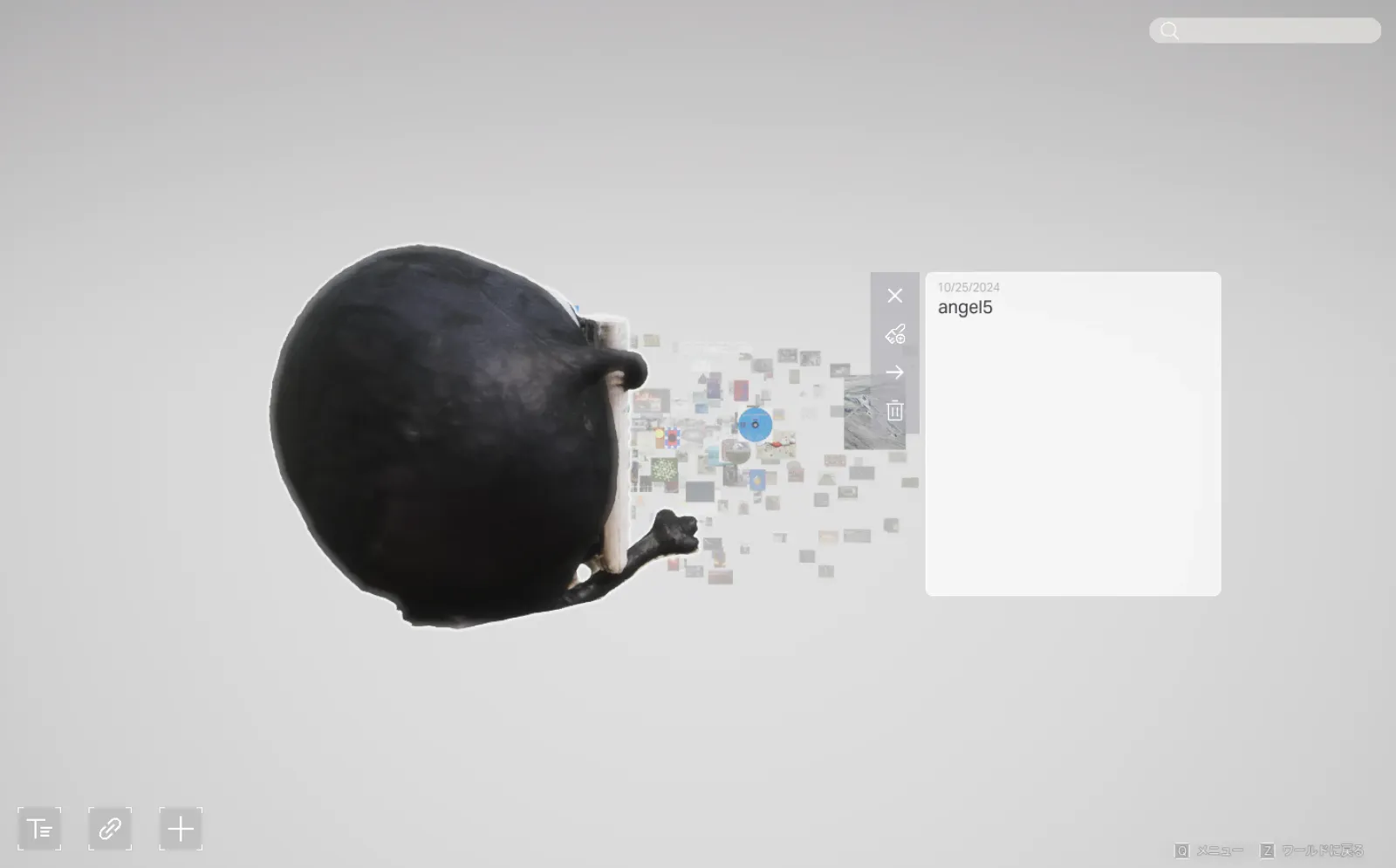
It imports into MIND.
The file becomes a patch in your private file system — yours to keep, place, and reuse.
- 3
Place it into the world, in real time.
Drop the patch where you want it. It materialises in the space as you set it down — no reload, no publish step.