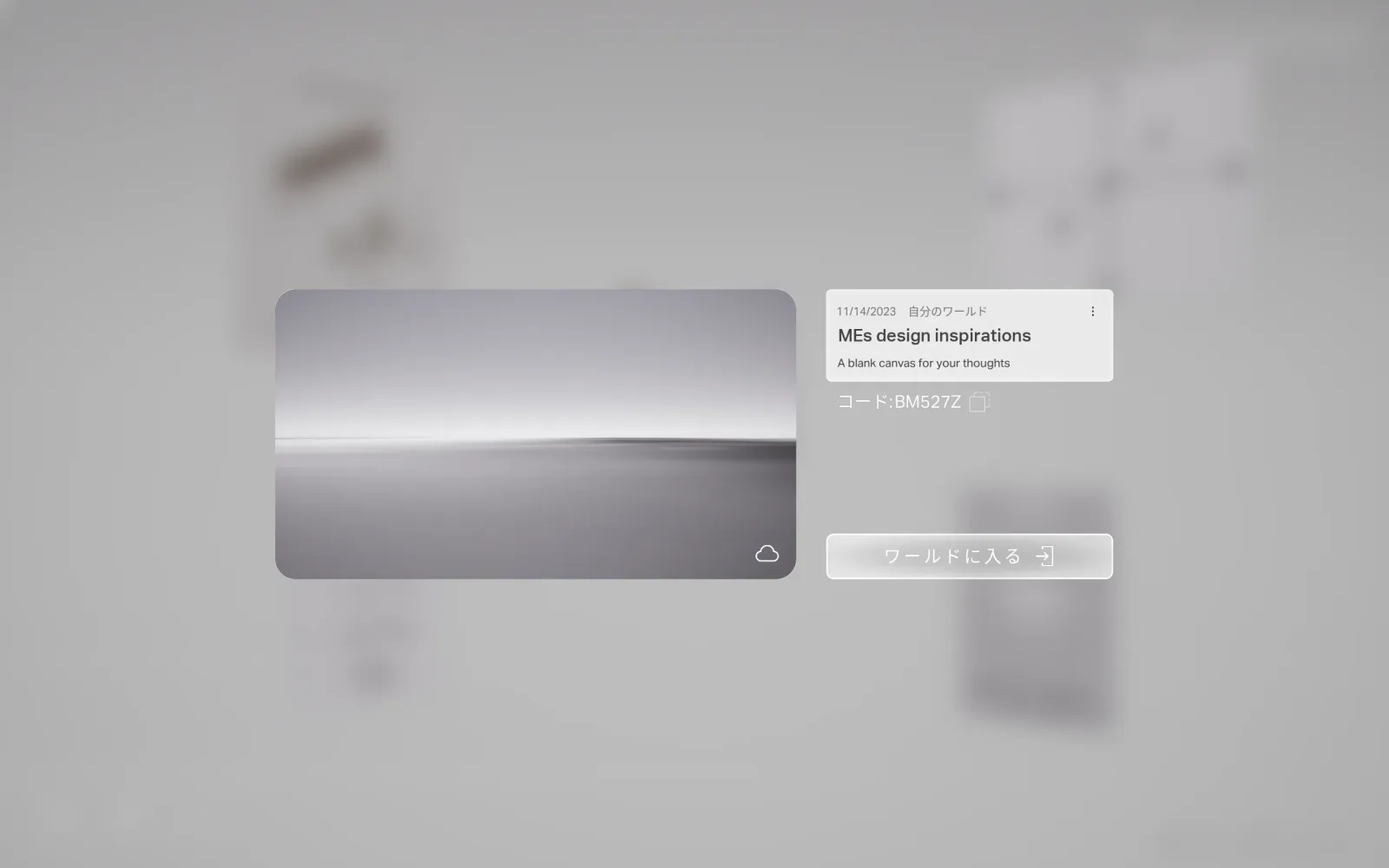
build a world
You build the place.
A world begins from a Seed World — a template you enter and fill. You place patches freely until the place could only have been yours.
- World
- A space you create from a provided template, the Seed World, then fill with patches.
- Two kinds
- Multiplayer — uploaded to the cloud; share a code so others can co-experience it.
Single Player — offline, just for you.
Note: a world's type is set when you create it and can't be switched afterward — choose Multiplayer or Single Player up front.
- 1
Pick a Seed World.
Choose the template that fits what you're making, and set whether it's Multiplayer or Single Player.
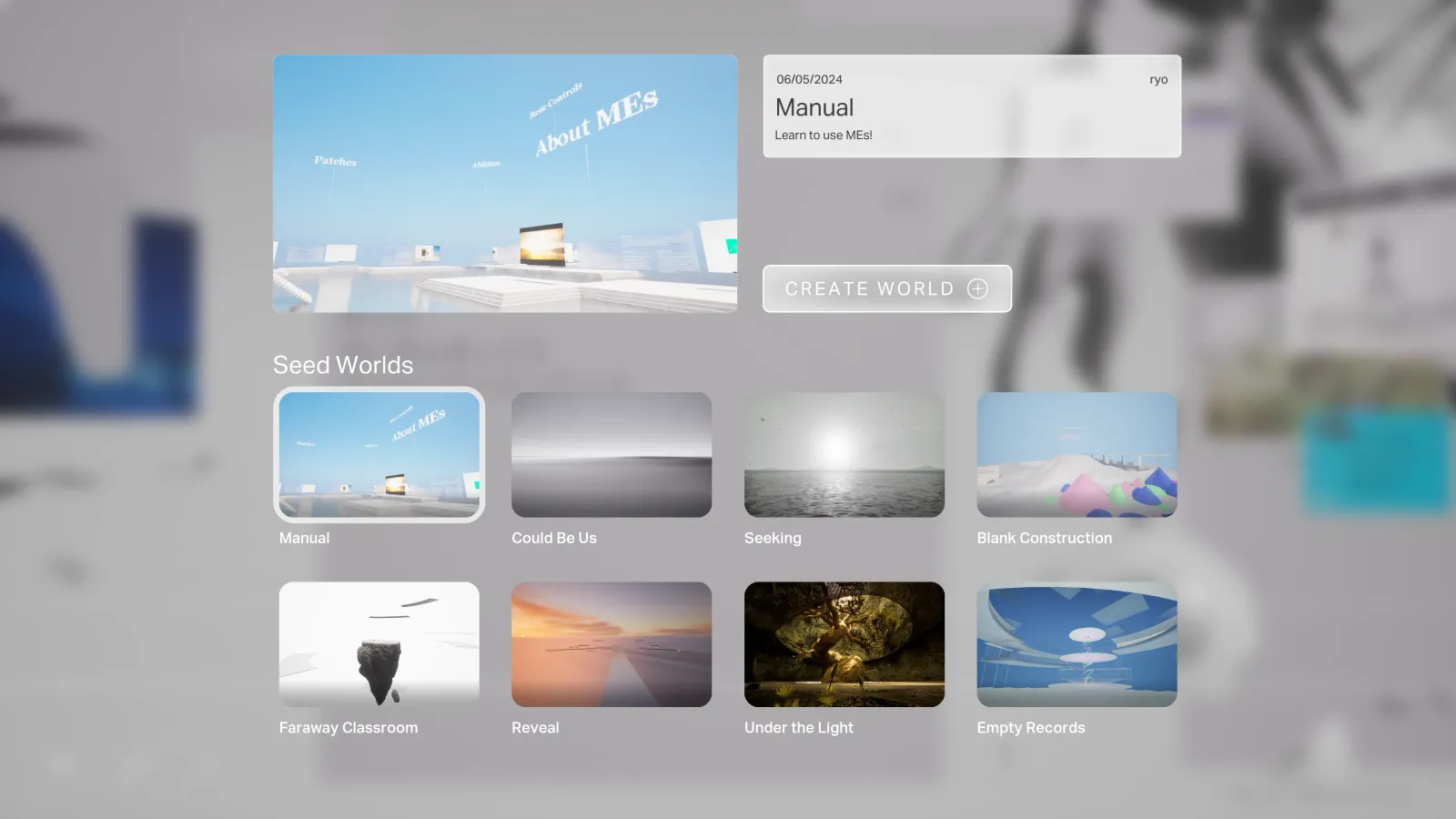
- 2
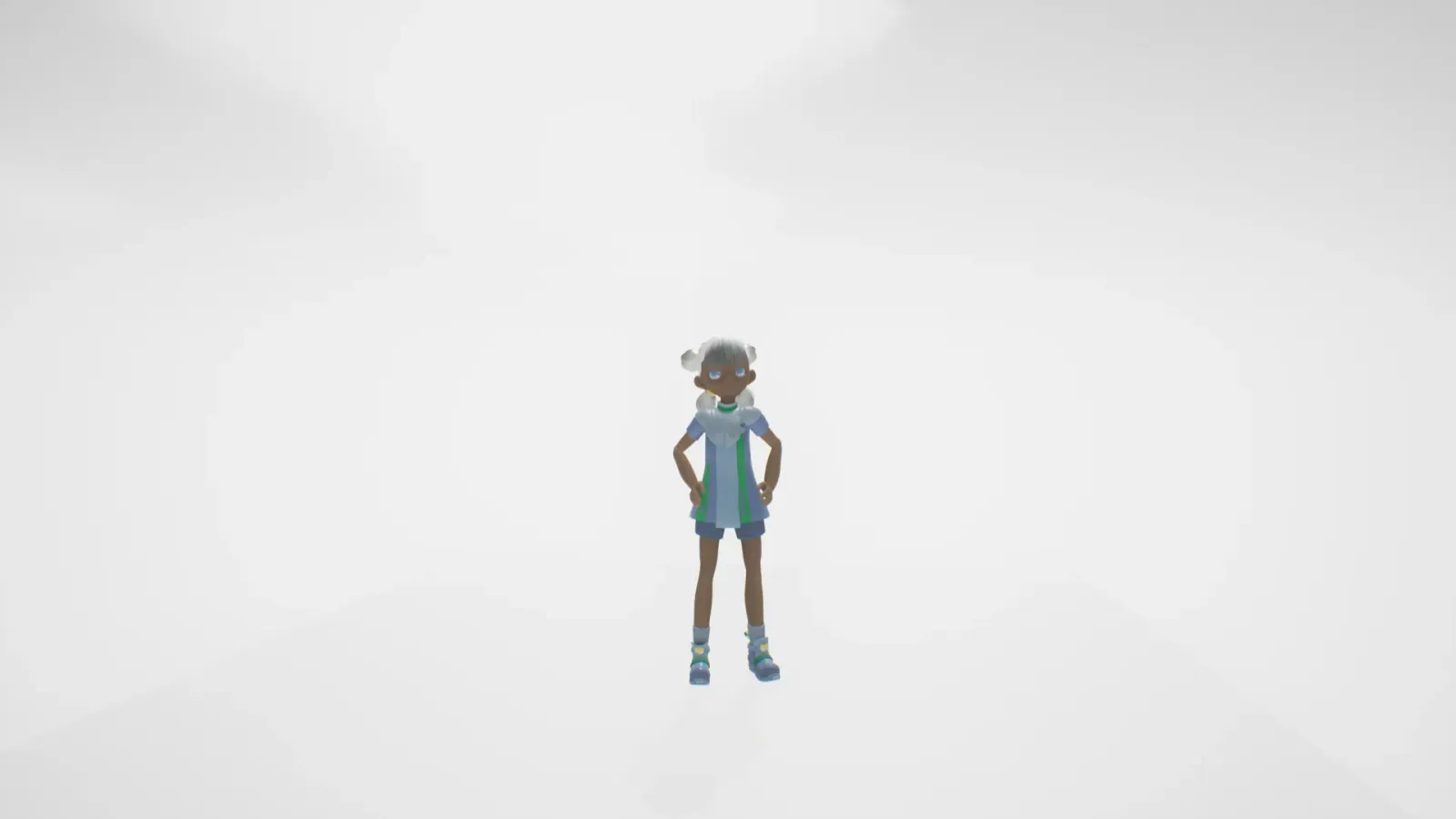
Enter the world.
Step into the empty template. This is your ground — the place you'll fill.
- 3
Place patches freely.
Bring in your files from MIND and set them down wherever you want. The place takes shape as you work.
- 4
Share the code (Multiplayer).
If you made a Multiplayer world, hand out its code and others can step in beside you.